1. Guided photo coverage
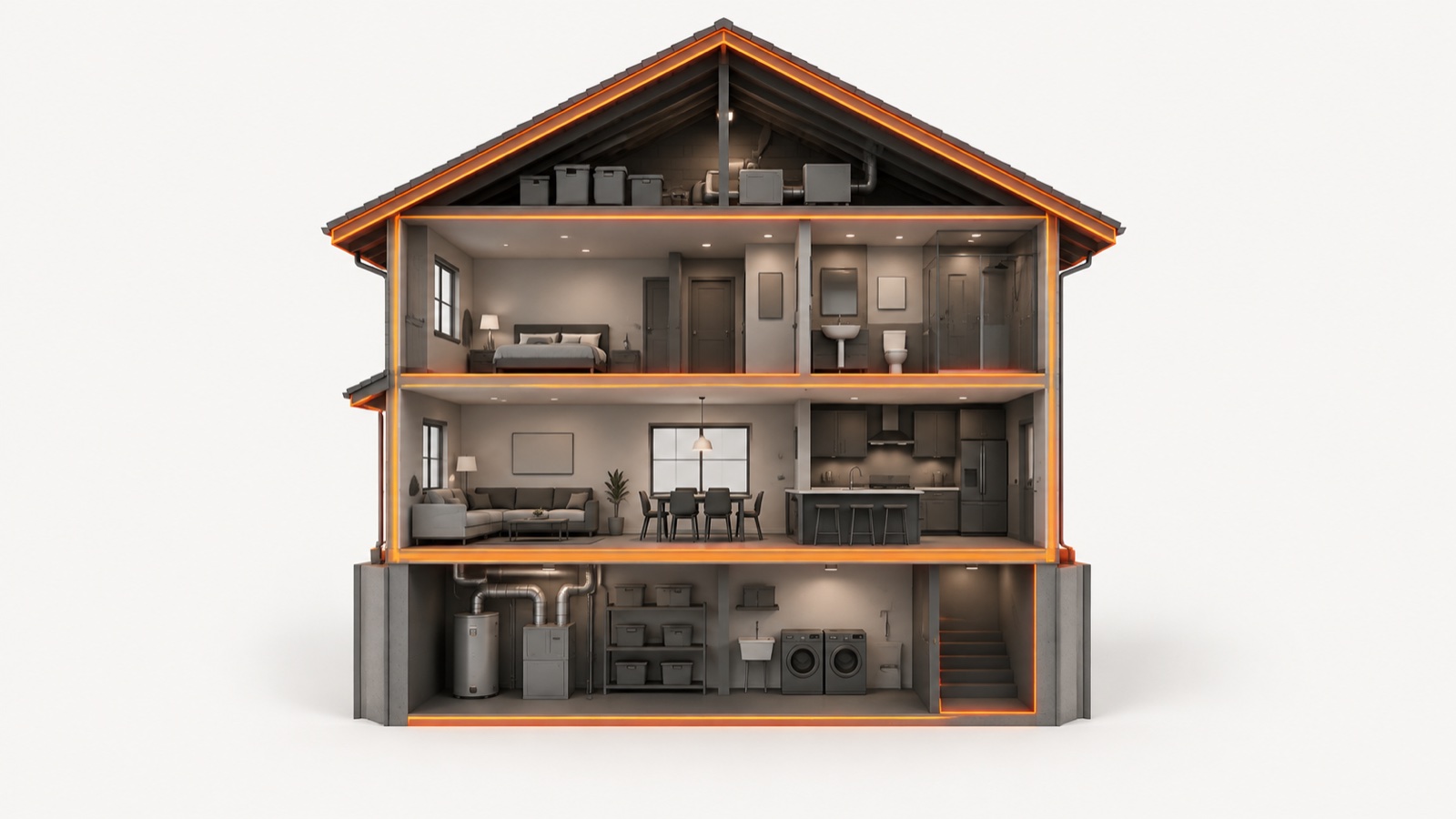
The mobile app contains 266 guided photo prompts across 19 rooms. Quick mode uses 38 prompts and Standard mode uses 129 prompts. The prompts help users photograph common visible areas in a consistent order.
The prompts are capture guidance, not a professional inspection protocol. They cannot reach every surface or prove what is behind walls, below flooring, inside HVAC equipment, or outside the camera frame.
Our separate free 160-point web checklist is an educational browser resource. It is distinct from the mobile app's 266-prompt workflow and is not a substitute for an inspection.
2. AI-assisted visual screening
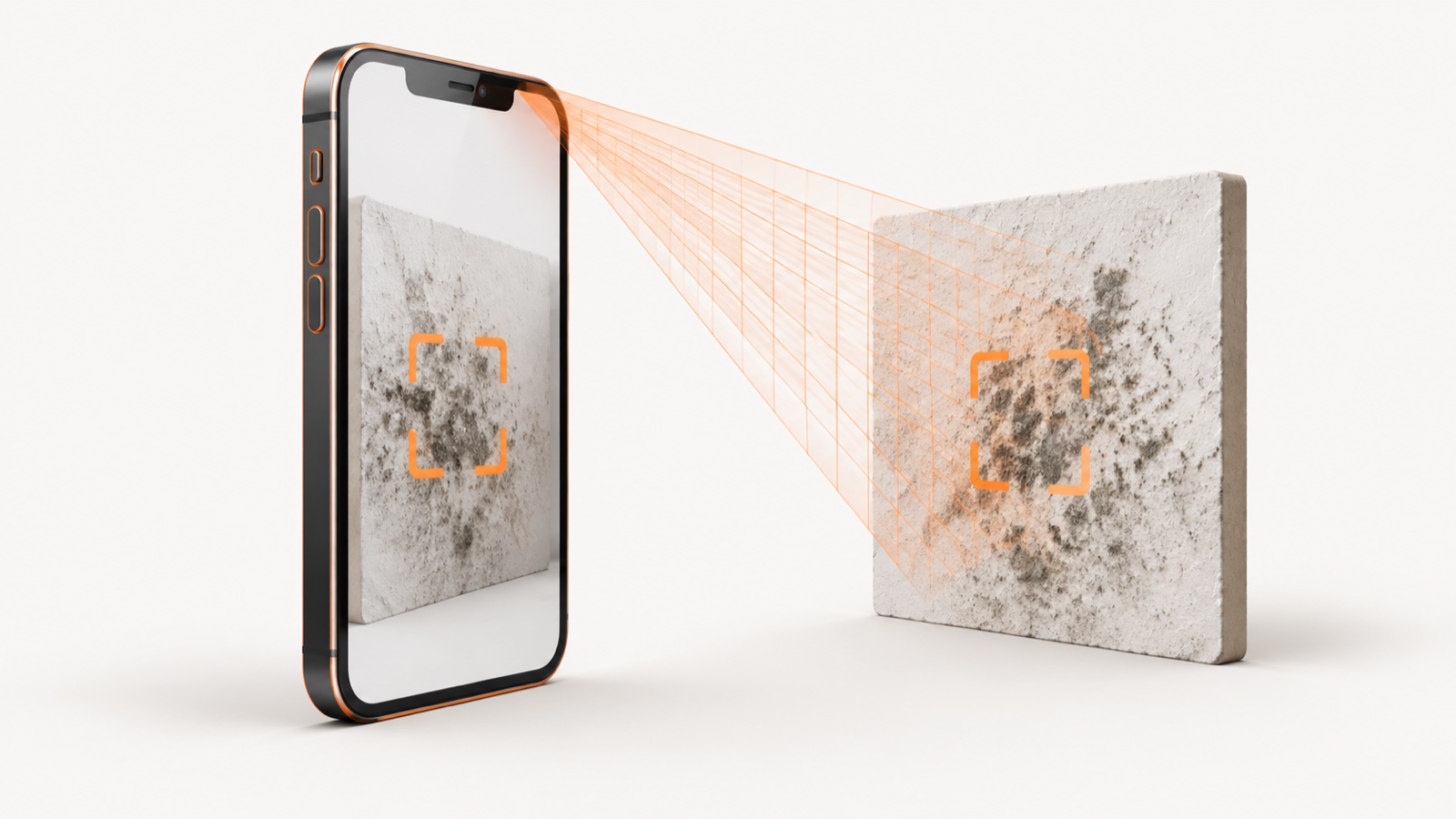
The app evaluates what is visibly present in each submitted image and returns a categorical screening label with visual cues and camera limitations. Processing time varies with the image, connection, and service availability.
A screening label is not confirmation that mold is present or active. Dark staining, dirt, shadows, mineral deposits, water marks, and image artifacts can look similar in a photograph.
Output boundary: Mold Scanner AI reports a visual-screening category, not a numeric confidence score. An unclear or unusable image should be retaken or escalated instead of treated as proof.
3. What the screen evaluates
The screen is deliberately limited to observations that can be made from the submitted image.
1Image usability
The app checks whether the image is clear enough and whether the target surface is visible. Blur, glare, distance, obstruction, or poor lighting can limit the result.
2Visible pattern
The app looks for visible color, texture, edge, clustering, and surface patterns that may warrant a closer look. These cues are not laboratory identification.
3Visible context
Room and surface context can help describe what appears in frame. The app cannot measure moisture or humidity and cannot identify the source, age, or cause of a condition.
4Categorical screening label
The app returns a first-pass category intended to support a decision about whether to retake a photo, monitor a visible area, or seek qualified help.
5Limits
The result states important camera limits. It does not determine species, active growth, health risk, legal responsibility, insurance coverage, or a remediation scope.
6Escalation
When the image is unclear or the decision is high stakes, the appropriate next step is a qualified inspector, moisture investigation, laboratory test, physician, attorney, or insurer as the situation requires.
4. Health-data boundary
Mobile onboarding may ask whether a user has asthma, allergies, or a doctor-diagnosed condition. Those answers stay on the device. They are not included with scan photos, sent to an AI provider, stored in the report database, or used to change the visual-screening result.
Health-related website quizzes run in the browser. Their answers are not uploaded or sent to analytics. Mold Scanner AI does not administer a clinical screening instrument and does not diagnose, predict, or grade health effects.
See our Consumer Health Data Privacy Policy and disclaimer for the full boundary.
5. What We Cannot See
A photo-based tool can evaluate only what the camera captures.
We cannot see hidden areas. Conditions behind drywall, inside wall cavities, below flooring, or inside HVAC equipment require physical access and appropriate inspection.
We cannot measure the environment. A photograph cannot measure moisture, humidity, airborne particles, spores, or mycotoxins.
We cannot identify species or confirm active growth. Genus, species, viability, and contamination extent require appropriate sampling, laboratory analysis, or professional investigation.
We cannot decide high-stakes outcomes. The screen does not establish health effects, remediation scope, property damage, legal liability, habitability, insurance coverage, or compliance with an inspection standard.
6. Quality and escalation
Guided capture can reduce avoidable image problems, but it cannot remove the uncertainty inherent in visual screening. Users should retake blurry, dark, distant, or obstructed images.
Use a qualified inspector or appropriate laboratory when you need to investigate concealed conditions, determine contamination extent, identify a material, document a property dispute, establish a remediation scope, or make a major financial decision. Seek a qualified medical professional for symptoms or health concerns.
7. Our Commitment
Clear scope. We describe the product as AI-assisted visual screening, not inspection, diagnosis, species identification, or proof.
Categorical results. We do not market a numeric confidence score. The result should communicate uncertainty and camera limitations.
Safe escalation. We direct high-stakes decisions to the qualified professional who can gather the missing physical, laboratory, medical, or legal evidence.
Truthful product facts. The app has 266 guided photo prompts across 19 rooms, with Quick and Standard modes containing 38 and 129 prompts respectively.
8. Role of published sources
Published sources support the site's educational safety guidance. Citing a source does not validate the app as an inspection, medical, laboratory, or standards-compliant instrument.
- Public-health guidance: Government sources inform general education about moisture control, cleanup safety, and when to seek qualified help.
- Industry standards: Standards can explain what trained inspection or remediation work involves. They do not make this visual-screening product equivalent to that work.
- Peer-reviewed research: Research pages summarize external studies for education. They do not turn a camera image into a laboratory result or medical assessment.