What a photo can tell you
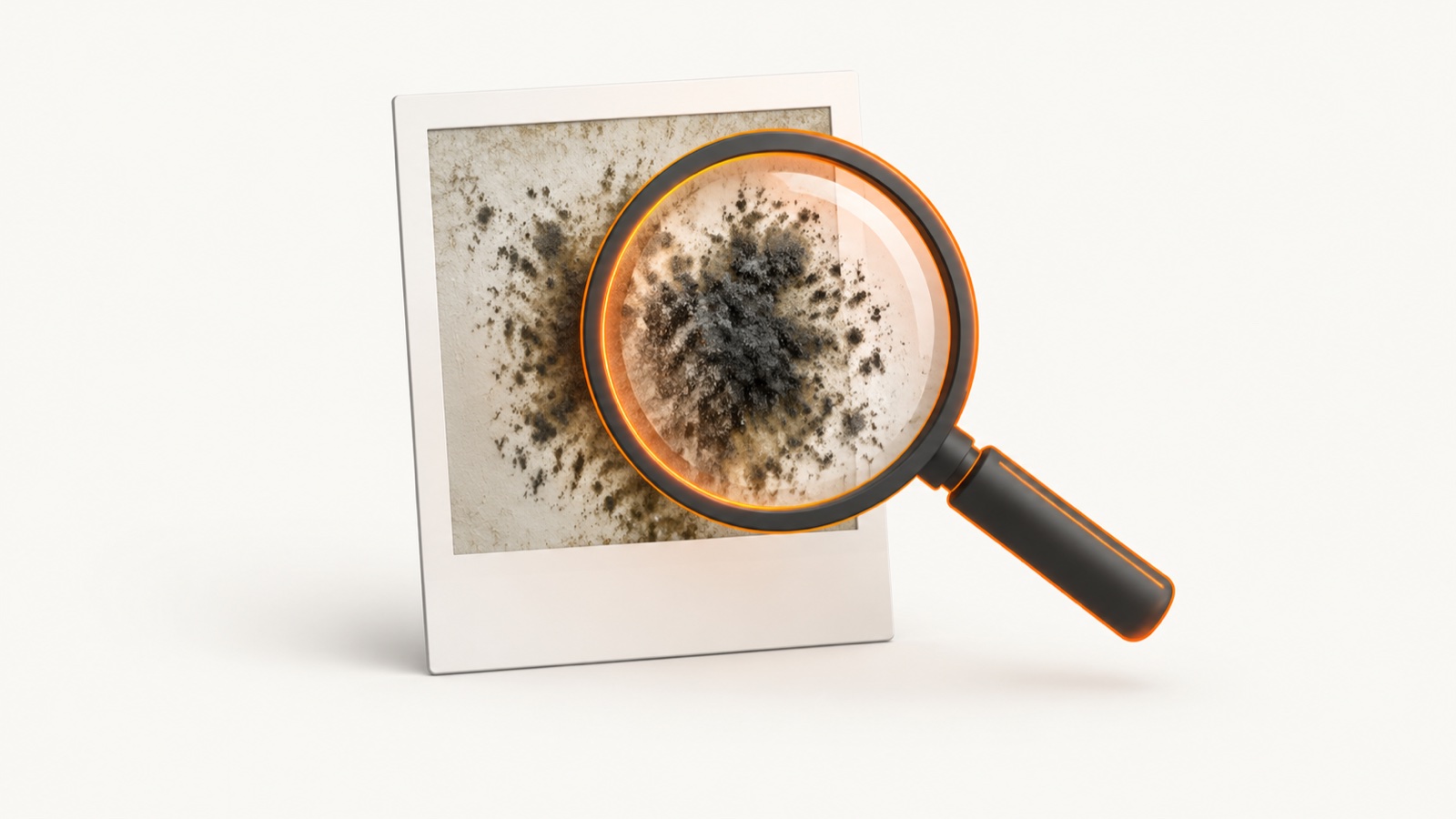
A photo can support a first-pass review of a surface you can see. Color, texture, spread pattern, and room context may indicate that a spot deserves closer attention. A photo app uses a vision model to assign a categorical screening label, and processing time varies.
That is screening, and screening is genuinely useful. It tells you where to look closer and what to clean first. What it is not is a confirmation. A flat image of one surface can suggest mold, but it cannot prove it, and it cannot rule it out behind the wall it is sitting on.
Visual cues that point to mold
These are the visible signs that make a surface read as likely mold rather than a harmless mark. None of them is proof on its own, but together they raise the odds.
- Texture. Mold is often fuzzy, speckled, or slimy, with a slightly raised, three-dimensional look. A flat, smooth mark is more likely a stain.
- Spread pattern. Mold grows in irregular clusters or blooms that creep outward, not in straight lines or neat geometric shapes.
- Color. Black, green, white, pink, orange, and brown all show up. Color alone does not name the species, and many colors can mean the same trouble.
- Location. It favors damp spots: bathroom grout and caulk, window sills, ceilings under a leak, behind furniture on exterior walls, and basement or crawl-space surfaces.
- It comes back. A patch that returns after you wipe it down usually has a moisture source feeding it, which points to mold rather than dirt.
What fools a photo
Plenty of harmless things mimic mold in an image, which is exactly why a single photo is a screen and not a verdict. Watch for these look-alikes before you panic.
- Mildew. Usually flat, powdery, and gray or white, sitting on the surface. It is still a moisture issue, but it behaves differently from raised, fuzzy mold.
- Dried water stains. Hard-edged brown or yellow marks with no texture, often from an old leak that is already dry.
- Soot, dust, and grime. Dark buildup near vents, candles, or high-traffic corners can read as black mold in a photo.
- Hard-water and mineral deposits. White or chalky marks around fixtures and grout lines.
- Efflorescence. A white crystalline film on concrete or masonry that looks like white mold but is actually salt left behind by evaporating water. The rest of the look-alike list is on is this mold.
What a photo cannot tell you
Knowing the limits keeps you from over-trusting an image. A photo, and any photo app, cannot do the following.
- See hidden mold. No camera reads inside wall cavities, HVAC ducts, or under flooring.
- Name the species. Telling Stachybotrys from Aspergillus or Cladosporium needs a lab sample, not a picture.
- Measure a health risk. A photo screens a surface. It does not assess your health. For symptoms, see a qualified physician.
- Judge how deep it goes. Surface mold and a colony that has eaten into drywall can look identical from the front.
When to test instead
A photo answers the easy questions. Testing answers the high-stakes ones. Move from a photo to a lab sample or a licensed inspector when:
- There is a musty smell but nothing visible to photograph.
- A patch keeps coming back after you clean it.
- There has been recent water damage, a flood, or a roof or plumbing leak.
- The area is larger than a small surface spot, or it is on porous material that may need removal.
- There is a health concern, a rental dispute, or a property sale on the line.
For context on cost, a professional inspection averages about $670, with a range of $302 to $1,045. A photo screen can help organize visible observations, but it cannot determine whether an inspection is necessary. When a photo cannot settle the question, use a licensed inspector or laboratory.
How to take a better photo
Whether you are judging the image yourself or running it through an app, a good photo gives the most reliable read. Quick rules:
- Light it well. Use natural light or a bright lamp. Shadows hide texture and color.
- Get close, then steady. Fill the frame with the surface and hold still so the texture stays sharp.
- Shoot straight on. A flat angle shows the spread pattern better than a steep one.
- Include scale. A second wider shot shows how large the area is and what is around it.
- Skip the filters. Filters and heavy edits change color and texture, which throws off both your eye and any app.
Screen the whole home, not just one spot
Judging one photo leaves many visible surfaces unreviewed. Mold Scanner provides 266 guided photo prompts across 19 rooms. Quick uses 38 prompts and Standard uses 129.
Mold Scanner is an AI-assisted visual screening tool, and processing time varies. Its local report can show submitted photos, visible cues, camera limitations, and conservative next steps. The report is not evidence that mold exists, a species identification, a water-source finding, or a legal or liability assessment.
Mold Scanner cannot confirm active mold or see hidden growth inside walls, ducts, or subfloors. For high-stakes property questions or anything that looks serious, use a licensed inspector or laboratory.
Frequently asked questions
Can you tell if something is mold from a photo?
You can screen for visual cues. A photo app may assign a categorical screening label based on color, texture, and shape, but that is not confirmation. A photo cannot see inside walls, ducts, or under flooring, identify a species, or establish that mold is present. Use a licensed inspector or laboratory for anything serious or high-stakes.
What does mold look like in a photo?
Mold often shows up as fuzzy, speckled, or slimy patches that spread in irregular clusters, in colors like black, green, white, pink, orange, or brown. It tends to appear where moisture sits, such as bathroom grout, window sills, ceilings under a leak, or basement walls. Surface stains, hard water marks, soot, and old paint can look similar in a photo, which is why a single image is a screen and not a verdict.
How can I tell mold from mildew or a stain in a photo?
Mildew is usually flat, powdery, and gray or white on a surface, while mold is often raised, fuzzy, and more varied in color. A dried water stain often has a hard edge and no texture. These are visual cues only, and sampling is needed to confirm what a material contains.
When should I test for mold instead of relying on a photo?
Test when the stakes are high or the photo cannot answer the question. That includes a musty smell with nothing visible, a patch that keeps returning after cleaning, recent water damage or flooding, a health or rental dispute, or anything larger than a small surface spot. In those cases, a lab sample or a licensed inspector gives an answer a photo cannot.
Is a mold photo app accurate?
A photo app is a visual screen, not a lab result. It can assess only the submitted image and cannot evaluate hidden areas, identify a species, or confirm active mold. Clear, well-lit photos give the model more visible detail, but serious or high-stakes questions still require an appropriate professional or laboratory.
Sources
Every claim on this page traces to one of these. Links open the primary document.