
Can your iPhone check indoor humidity?
Your iPhone cannot check indoor humidity, because it has no built-in humidity sensor, and Apple Weather shows the National Weather Service reading for your area, often 15 to 30 percent off from the air inside your home. Plus a free calculator for your mold risk once you have the real number.
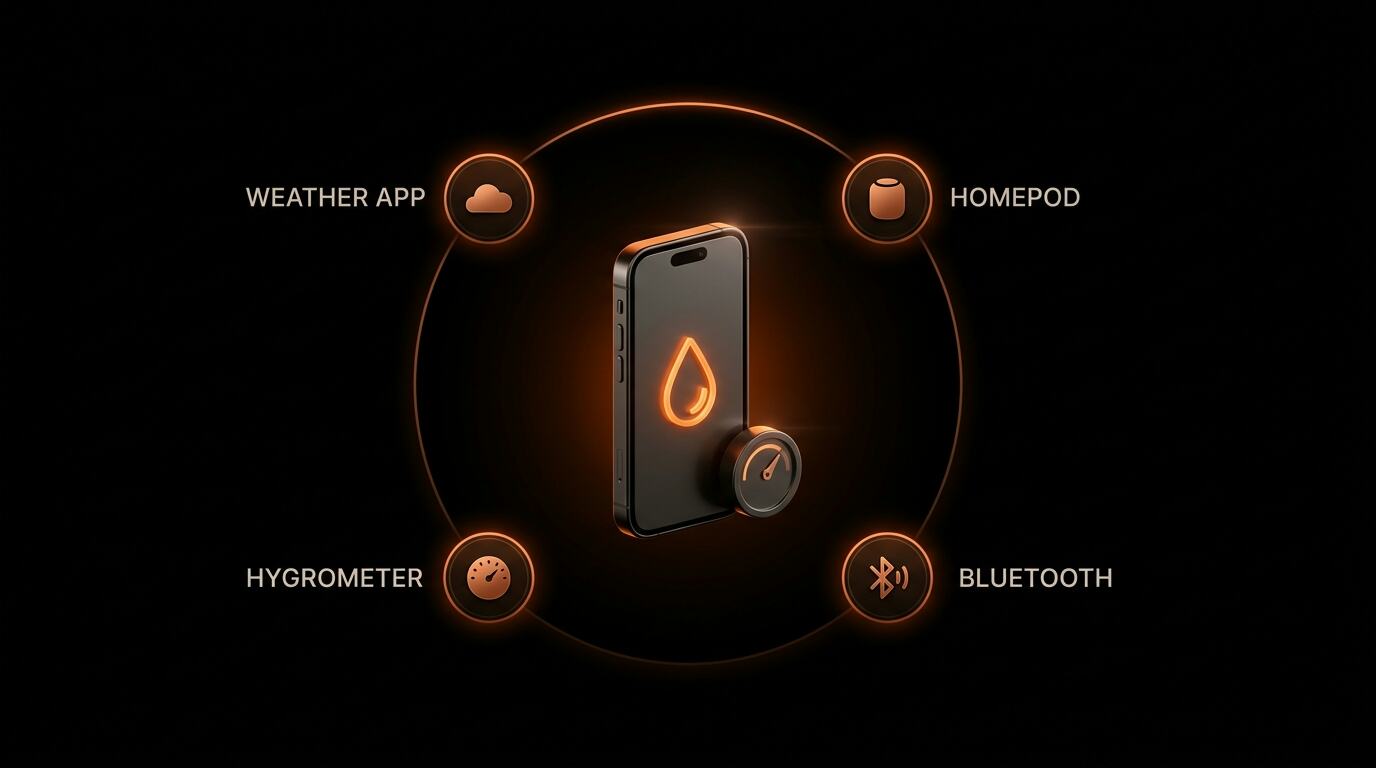
How it works
No. Your iPhone does not measure indoor humidity.
The Weather app shows the nearest outdoor airport reading, not the air in your room. Indoor humidity is often 15 to 30 percent different. For mold prevention, you need the indoor number, not the outdoor one.
Why iPhones do not have a humidity sensor
Every sensor in an iPhone has to survive being in your pocket, a bathroom, a beach bag, and a hot car. Humidity sensors drift badly after short exposure to liquid water and condensation. Apple chose to leave them out. Samsung, Xiaomi, and most Android phones also leave them out for the same reason.
There are a few rare exceptions. The Samsung Galaxy S4, S5, and Note 3 (2013-2014) had dedicated humidity sensors. They were removed in every later Samsung model. No current flagship from Apple, Samsung, or Google has one.
What the Weather app is really showing
When Apple Weather says "Humidity 68 percent," it is pulling that reading from the nearest National Weather Service observation station. For most US locations, the nearest station is an airport runway. A few things are true as a result:
- Your indoor humidity is almost always different. In summer, air conditioning removes moisture, so indoor typically runs 15 to 25 percent below outdoor. In winter, heating dries the air, so indoor typically runs 15 to 30 percent below outdoor.
- Apartments and basements deviate more. Poor ventilation, bathroom steam, cooking, and laundry all push indoor RH up. A bathroom reading can be 20 points above the outdoor number.
- The outdoor number is still useful. If outdoor humidity is 90 percent and climbing, your indoor will follow a few hours later unless you are running AC or a dehumidifier.
Apps that actually work (they all need an external sensor)
Every iOS app that reports actual indoor humidity is a reader for an external Bluetooth hygrometer. The app itself does not sense anything. The sensor does. You buy the sensor once, it sits in the room, it sends readings to your phone.
Govee H5075 or H5179
About $13. Bluetooth, pairs with the Govee Home app. Accurate to plus or minus 3 percent RH. Works up to 60 feet from your phone. Sends push alerts when humidity goes out of range. Popular with renters because there is no Wi-Fi setup.
SensorPush HT1
About $50. Paid-for accuracy. Rated plus or minus 2 percent RH over a wide range. The SensorPush app handles multiple sensors, so you can monitor bedroom, basement, and bathroom separately. Good for chronic humidity investigations.
ThermoPro TP49 + TP357
TP49 is a standalone $10 desk hygrometer with a big digital readout. TP357 ($22) adds Bluetooth and the ThermoPro Sensor app for iOS. Budget-friendly and reliable. Common recommendation among home inspectors.
Airthings View Plus or Wave Plus
$200 to $300. Multi-parameter indoor air quality monitor. Humidity, temperature, CO2, radon, VOCs. Connects to iOS over Wi-Fi and Bluetooth. Overkill for humidity-only use but worth it if you are investigating several indoor air problems at once.
The cheapest thing that actually works
If you only care about humidity and do not want an app at all, a basic digital hygrometer costs 10 to 15 dollars at any hardware store. ThermoPro TP49 and AcuRite 00613 are the two usually recommended by home inspectors. They run on a coin battery and show temperature plus humidity on a simple LCD screen. Accurate to plus or minus 2 to 3 percent, which is close enough for mold-prevention decisions.
Place one in each room you care about. Bedroom, bathroom, basement, HVAC return. Check once a week. If any reading goes above 60 percent, take action. And if the readings keep coming back high, see our tested picks for the best air purifier for mold.
What the number should be
Target indoor relative humidity: 30 to 50 percent. ASHRAE Standard 55 and the EPA both target that range. Mold starts colonizing porous surfaces (drywall, insulation, wood framing, carpet) above 60 percent sustained for 48 hours. Dust mites thrive above 50 percent. Below 30 percent you get dry skin, static, and respiratory irritation.
Once you have a measured temperature and relative-humidity reading, enter them in our Indoor Humidity Context Calculator. It reports the entered RH plus calculated dew point and absolute humidity. It does not create a mold-risk score, locate a source, or prescribe a fix.
If the number is bad, what to do
- 60 to 65 percent: Run bath fans 30 minutes after showers. Run kitchen hood during cooking. Check that dryer vents fully exhaust outside. Open windows briefly during low outdoor RH.
- 65 to 75 percent: Run a 30 to 50 pint dehumidifier sized to the room. Check for plumbing leaks or roof leaks upstream. Consider a sizing calculator.
- Above 75 percent: Confirm the reading with a reliable hygrometer and repeat it at different times. One reading cannot confirm mold or establish a water source. Use the water-damage documentation helper to record accessible conditions, and use qualified HVAC or building help for persistent humidity or concealed moisture.
Can you rely on the Siri humidity answer?
No. When you ask Siri "what is the humidity right now," Siri reads Apple Weather, which is the outdoor airport number. It does not measure anything in your home. It is not a hygrometer replacement.
One exception for advanced users: HomePod mini and HomePod (2nd gen)
The HomePod mini (late 2020 and later) and HomePod 2nd gen (2023) have internal temperature and humidity sensors. You can view the reading in the Apple Home app on iPhone. It is real, and it is indoor. But it only shows the humidity in the room where the HomePod lives, and accuracy is plus or minus 5 percent (less precise than a 10 dollar hygrometer). If you already have a HomePod in the room you care about, you have indoor humidity in your Home app. If you do not, buy the hygrometer.
Frequently Asked Questions
Does an iPhone measure indoor humidity?
No. No iPhone made before 2026 has an indoor humidity sensor. Weather apps display the outdoor humidity from the nearest NWS station, not the air in your room.
What does the Apple Weather app actually show?
Apple Weather pulls relative humidity from the nearest National Weather Service observation station, usually an airport. In summer, your indoor humidity is typically 10 to 25 points below the outdoor reading because air conditioning removes moisture. In winter, indoor humidity can be 15 to 30 points below because heating dries the air.
What apps actually read indoor humidity on iPhone?
Only apps that pair with an external Bluetooth hygrometer, like Govee, SensorPush, and ThermoPro Connect. The app itself does not measure anything. The sensor does.
What is the cheapest way to check indoor humidity?
A digital hygrometer costs 10 to 15 dollars on Amazon or at any hardware store. Models like ThermoPro TP49 or AcuRite 00613 are accurate to plus or minus 2 percent. That is the ground truth for indoor relative humidity.