How AI mold detection works
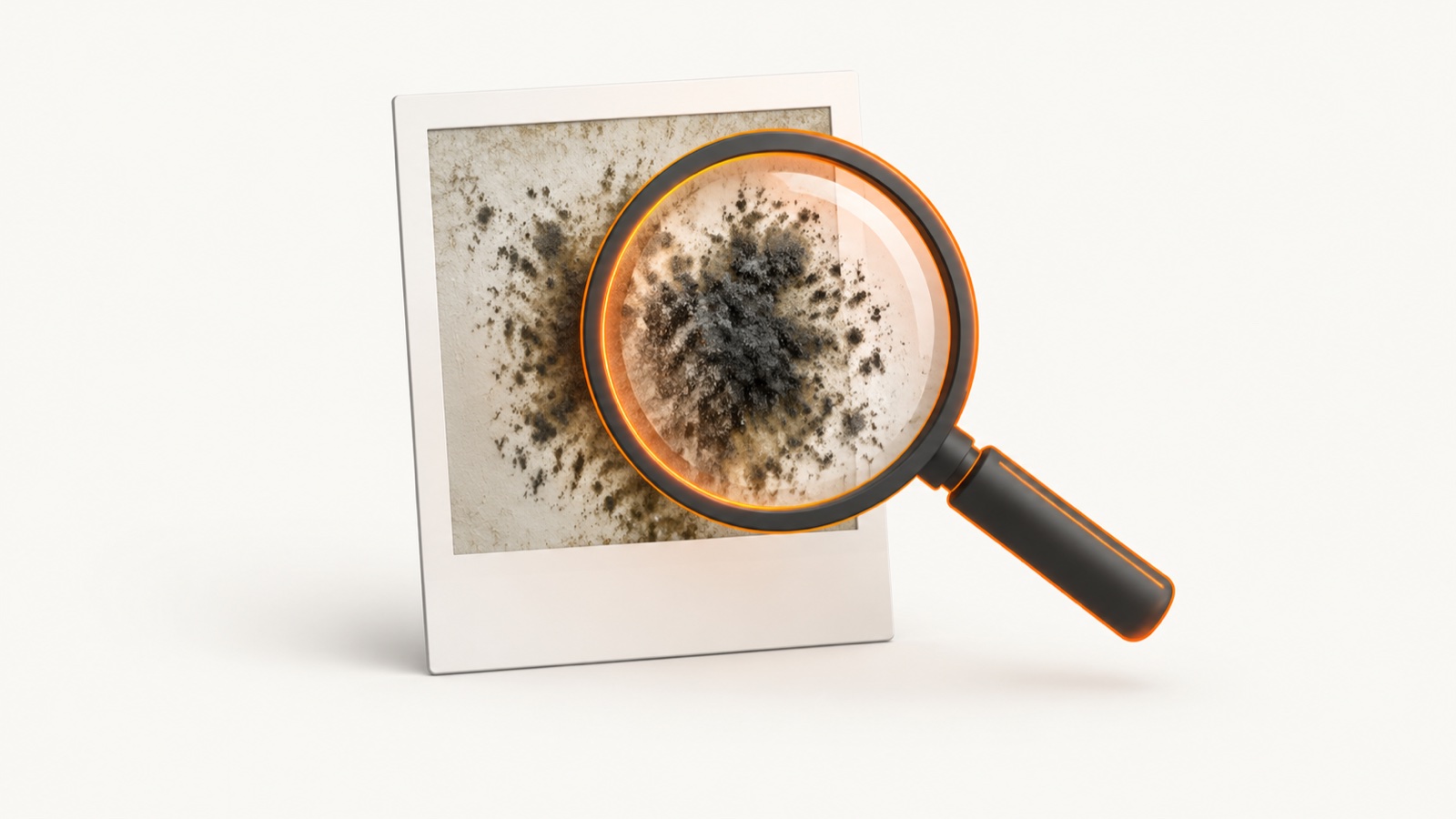
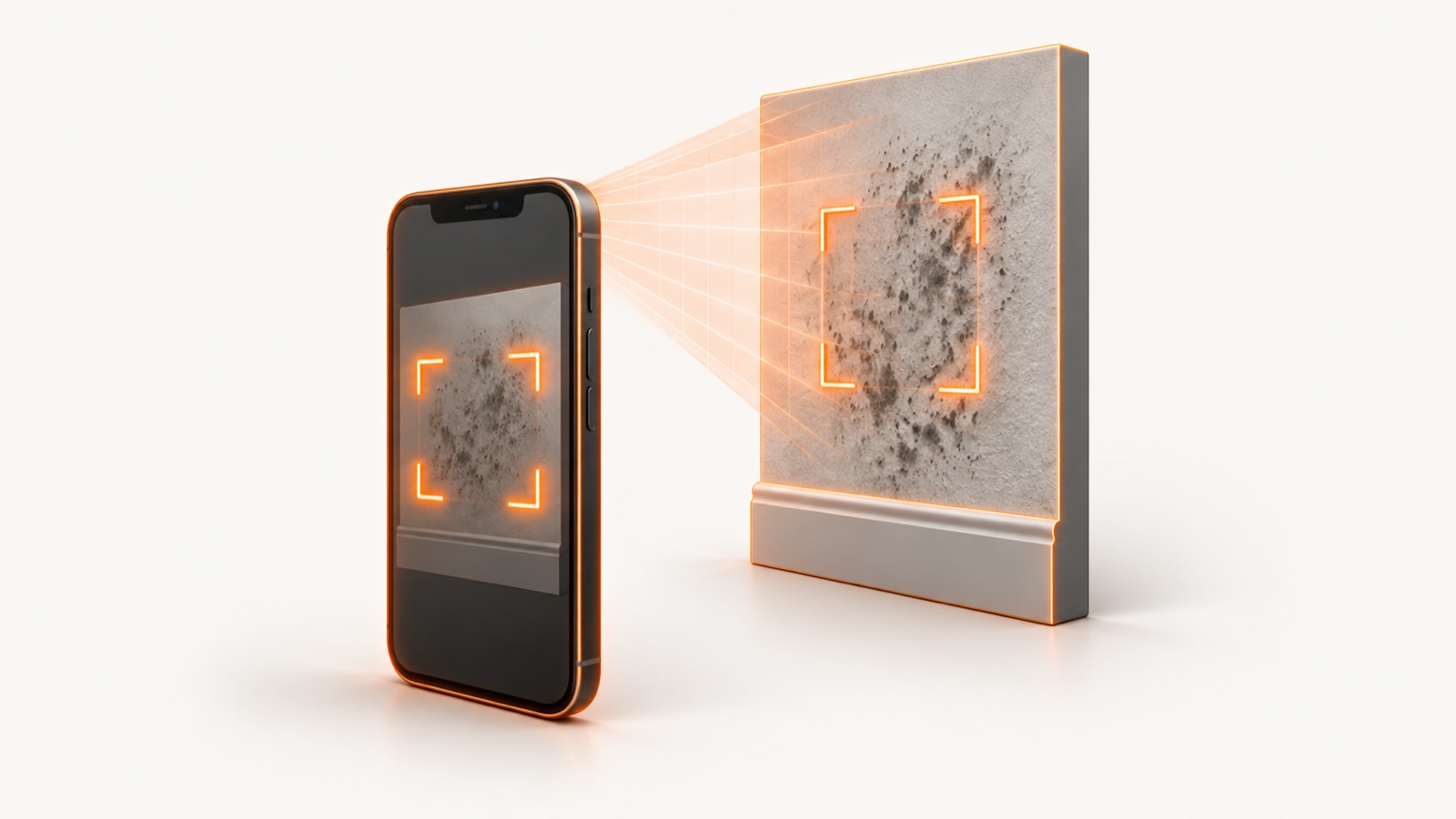
You point your phone at a visible surface and take a photo. An AI vision model compares visible color, texture, edge, and clustering patterns, then returns a categorical visual-screening label. Processing time varies. The output is not a swab, laboratory result, or inspection finding.
The catch is that the model only knows what the camera shows it. It reasons from one flat image of one surface. It cannot smell a musty room, feel a damp wall, or see behind drywall. So an AI app is best understood as a screening layer that sits in front of the slower, more thorough tools, not a replacement for them.
What to look for before you pick one
Most of these apps look similar on a screenshot. The differences that matter show up once you actually use them. Here is what separates a useful AI mold app from a gimmick.
- Coverage. A single-spot read tells you about one patch. A guided whole-home walkthrough uses guided visible-surface prompts across the home, so you do not miss the bigger problem two rooms over.
- The output. A bare Low, Medium, or High label is thin. A visual screening report with visible cues, camera limitations, and conservative next steps is something you can actually act on.
- Honest framing. A good app calls itself a screen, not a diagnosis. Be wary of any app whose marketing leans on health-risk claims, because a photo cannot establish a health risk.
- Price clarity. Some apps are free with a weekly subscription that adds up fast. Others offer a one-time purchase. Free web tools are often built to route you to a paid inspector, so read the business model.
- Clear local summary. A local report can show the submitted photo, visible cues, camera limitations, and conservative next steps. It is not evidence or a legal, insurance, health, or liability assessment.
How accurate is AI mold detection?
Accuracy depends on the app and the photo. A sharp, well-lit shot of a clearly visible surface gives any model its best shot at a useful read. A dim, blurry photo of a shadowed corner does not. A visual-only screen cannot measure anything hidden from the camera, so it must remain a first-pass screen.
That limitation applies to every camera-only method. Use an AI result only as a first-pass visual screen, and confirm important findings with a qualified inspector or appropriate laboratory. General AI chat tools also require caution because they are not mold-specific inspection instruments.
AI mold detection apps compared
| Tool | Type | What it does | Price | Rating |
|---|---|---|---|---|
| Mold Scanner | Photo app, whole-home walkthrough | Guided room-by-room visual screen with visible cues, camera limitations, and conservative next steps | Website and waitlist | Pre-launch |
| Mold Finder AI | Photo app (iOS) | Single-spot photo identification | Free, with $4.99/week or $59.99/year in-app | 4.8 stars, 105 ratings |
| Mold Identifier and AI Scanner | Photo app (iOS) | Photo ID with a Low, Medium, or High risk label, 1 free scan a day | Free, with $4.99/week or $19.99 one-time in-app | 3.8 stars, 11 ratings |
| Mold Detector AI | Free web tool | Photo to a probability percent, then routes you to inspectors | Free (lead generation) | Web tool |
| Airthings Wave Mini | Hardware sensor | Predicts mold risk from temperature and humidity, does not detect mold or spores | About $80 | Hardware |
| My Mold Detective | DIY air-sampling kit | Collect air samples for lab analysis, results in days | About $179, plus $39 per lab sample | Lab kit |
| a store-bought mold remover DIY kit | DIY test kit | Presence result in about 48 hours, species needs about a 3-week lab | Low-cost retail, plus $40 lab | Test kit |
| Seek by iNaturalist | Photo app | General species identification, not mold-specific | Free | General ID |
| Generic AI chat tools | Free web AI | Open-ended answers, unreliable on image-based identification | Free | Not built for this |
Prices and ratings reflect each tool's published listing at time of writing. See Sources below.
Which tool is best for you
Mold Scanner
Best if you want guided photo capture across visible home surfaces and a local summary of submitted photos, visible cues, camera limitations, and conservative next steps. The summary is not evidence, an inspection, or a diagnosis.
Best free single-spot iOS scanMold Finder AI
Best if you just want to point your phone at one surface and get a quick read on iPhone. It has the strongest ratings of the photo apps here. It checks a single spot at a time, and its marketing leans on health-risk framing that a photo cannot actually establish, so treat the verdict as a screen.
Best for an occasional quick checkMold Identifier and AI Scanner
Best if you want one free scan a day with a simple Low, Medium, or High label, and a one-time purchase option instead of a subscription. Ratings are thin, so set expectations accordingly.
Best free probability estimateMold Detector AI
Best if you want a fast free percent from a photo in your browser. Remember the business model is lead generation, so it is built to hand you off to an inspector.
Best early-warning sensorAirthings Wave Mini
Best if you want to catch the damp conditions that grow mold before anything appears. It predicts risk from temperature and humidity. It will not tell you that mold is present, because it never looks for it.
Best lab-grade air sampleMy Mold Detective
Best if you want a lab to identify what is actually in your air. It is more thorough than any photo app. It costs more, you pay per sample, and results take days.
Best low-cost confirma store-bought mold remover DIY kit
Best for a cheap presence test you can run at home, with a result in about 48 hours. If you need the species named, that step adds a lab and roughly three weeks.
Skip these for moldSeek by iNaturalist and generic AI chat
Seek is a great general species app but it is not built for mold. Generic AI chat tools are unreliable on image-based identification. Neither is the right call when you actually suspect mold.
Why Mold Scanner
Most AI mold apps here read one photo of one spot. Mold Scanner takes a different approach. It runs a guided whole-home walkthrough, so you follow guided visible-surface prompts across the home, not just the one patch that caught your eye.
Each scan is AI-assisted visual screening with variable processing time. A local visual-screening summary can show the submitted photo, visible cues, camera limitations, and conservative next steps. It is not evidence or a legal, insurance, health, liability, inspection, or laboratory assessment.
One honest line: Mold Scanner is a screening tool, not a diagnosis, and it cannot see hidden mold inside walls, ducts, or subfloors. For high-stakes property or anything that looks serious, confirm with a lab sample or a licensed inspector.
What an app cannot do
- It cannot see hidden mold. No camera reads inside wall cavities, HVAC ducts, or under flooring. That needs physical inspection.
- It cannot name the species from a photo. Species identification requires a lab sample.
- It is not a medical tool. An app screens surfaces. It does not assess your health. For symptoms, see a qualified physician.
- It does not replace a pro for big jobs. For large contamination or high-stakes property decisions, hire a licensed or ACAC-certified inspector who follows the IICRC S520 standard.
Frequently asked questions
What is an AI mold detection app?
An AI mold detection app compares visible patterns in a submitted photo and returns a categorical visual-screening label. Processing time varies. It cannot inspect hidden areas, identify species, or confirm active growth. Confirm important findings with a qualified inspector or appropriate laboratory.
How accurate is AI mold detection from a photo?
It depends on the app and the photo. A clear, well-lit image gives a model more usable visual information, but a visual-only screen cannot measure anything hidden from the camera. Treat the output as a first-pass label, not a finding.
What should I look for in an AI mold detection app?
Look for whole-home coverage instead of a single-spot read, a visual screening report that clearly states its limits, honest framing that calls itself a screen rather than a diagnosis, and a clear price. Be cautious with apps that lean on health-risk claims a photo cannot establish, and with free web tools built mainly to route you to a paid inspector.
Are free AI mold apps worth using?
Free photo apps vary widely. Some give a single risk label from one snapshot, and general AI chat tools are unreliable on image-based identification. Free web tools that hand you to an inspector are built around lead generation, not a thorough screen. A free single-photo result is a fine first pass, not a verdict.
Can an AI app replace a professional mold inspection?
No. An AI app can screen only the visible surfaces shown in submitted photos. It cannot inspect hidden areas, measure moisture or air, identify species, or replace professional judgment. Use a qualified inspector or appropriate laboratory for serious or high-stakes decisions.
Sources
Every claim on this page traces to one of these. Links open the primary document.